
360° made easy to share
360° websites
Showcase your work and train with 360°, without a headset.
We build a website in your visual identity so your audience can open your 360° films and tours directly in their browser.
At a glance
- Explore 360° films and tours with a mouse or touch.
- Show a place or profession, or teach a procedure.
- Watch on a computer, tablet or phone without a headset.
- Share one film or the whole collection by link or QR code.
- Computer
- Tablet
- Phone
360° stays interactive on screen.
 View the example
For makers and producers
From product to process in one scan

On your product
Print the QR code on your packaging or label, or display it on your stall.
On their phone
Customers scan the code. The film opens in their browser, with no headset needed.
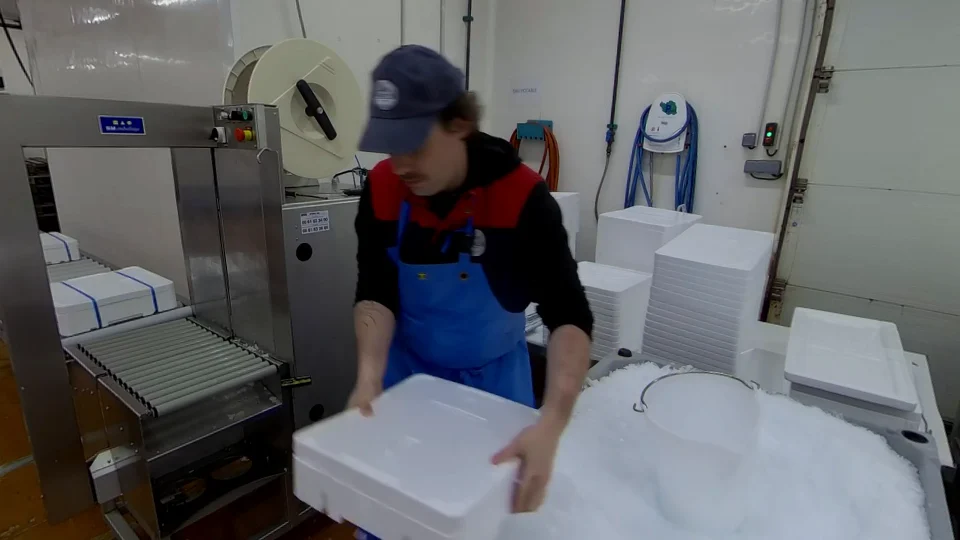
Your work in 360°
Viewers look around and see how you prepare or make your products.
View the example
What it brings you
For communication
Show a venue, a team or the people who work in an industry. Send the link after a meeting or display a QR code at an event stand.
For training
Share a film before a workshop so learners can identify equipment and see the order of each step. They can revisit the scene at their own pace.
In your visual identity
Bring films, tours, instructions and useful links together under your brand. Send viewers to one film or the entire collection.
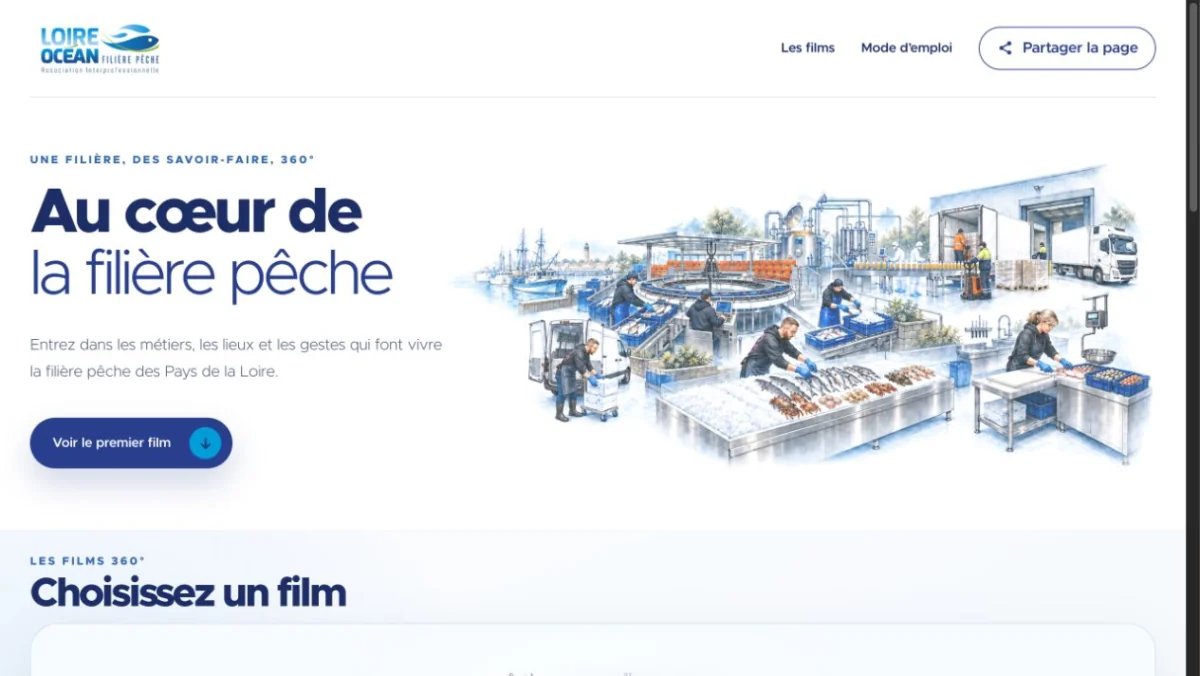
A project to explore
The fishing sector, a link away.
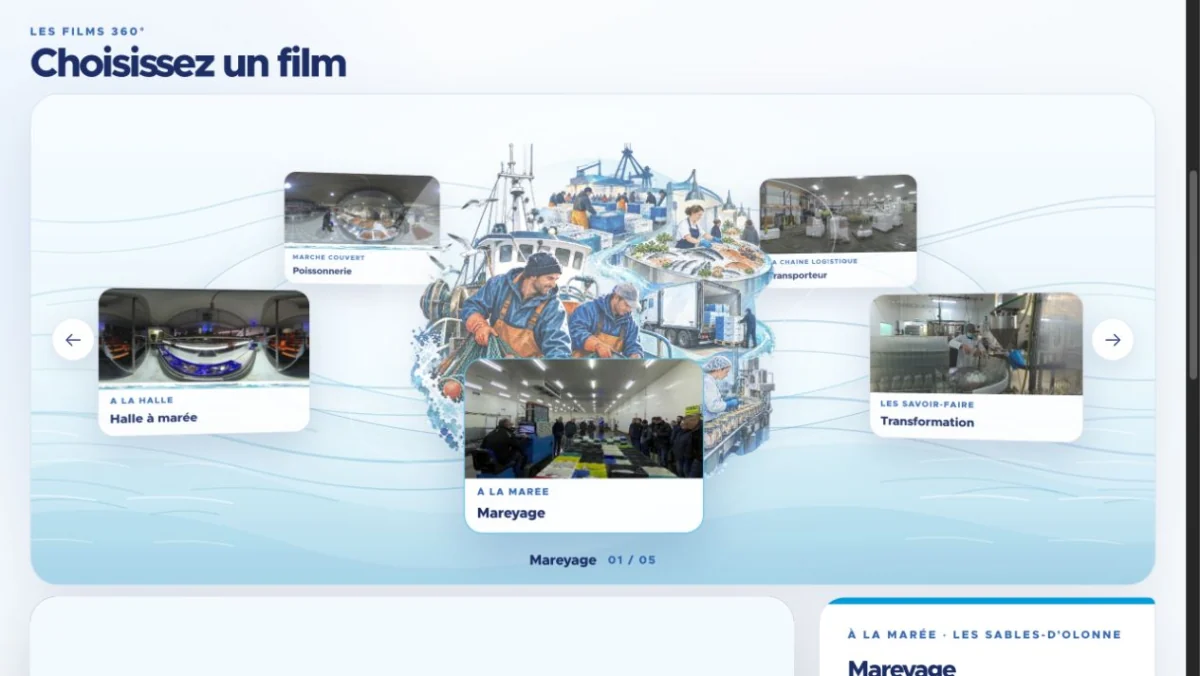
This example brings together 360° films that anyone can open in a browser.
Share the entire collection or a direct film link with your teams, clients, schools or partners. They open it on a computer, tablet or phone and experience 360° without having to own a headset.
View the exampleWhat can it be used for?
Hotels & venues
Bring rooms, dining and spa experiences together, then guide visitors to the property’s booking engine.
Producers & craftspeople
A QR code on the label opens a film about the craft and the product information.
Business & training
Organise films by profession or theme for a meeting, trade show or guided session.
How we create it
Define the journey
We choose the content and the intended next step after the visit.
Build your space
Photos, films, short texts and navigation reflect your identity.
Test and hand over
We check the agreed screens, links and playback before preparing the launch.
What you receive
- Custom page and navigation
- Players and media adapted for the web
- Share links and QR code if included
- Defined hosting and update arrangements
Private access, integrated booking and advanced features are assessed against the tools you use.
Frequently asked questions
Do we need to replace our website?
No. The collection can be linked from your existing website or embedded where technically possible.
Do viewers need a headset to watch the films?
No. The films stay in 360° in the browser, on a computer, tablet or phone. Viewers choose where to look using a mouse or finger. A headset setup can complement screen-based viewing if it is part of your project.
What determines the cost?
The quote depends on the number of films and tours, languages, integrations and hosting needs. See the factors that affect pricing.
How long will the project take?
The timetable depends on scope, site and team availability, and review stages. We agree on dates when preparing the quote.
Can you produce versions in several languages?
We agree on languages and what needs adapting in the quote. Text, subtitles and other versions depend on the chosen format.
Who hosts the site after delivery?
The quote covers the agreed domain, hosting and updates. We hand over the files and instructions specified for managing the site.
What about your project?
Tell us about your venue, your audience and what you’d like them to discover.