Skip to content
VR Perception Let’s discuss your project

Custom VR application development

VR Perception develops custom virtual reality applications for companies and training providers across Switzerland. In an interactive scenario, your teams can use controls, make decisions, follow a procedure or repeat a task.

Discuss your VR application
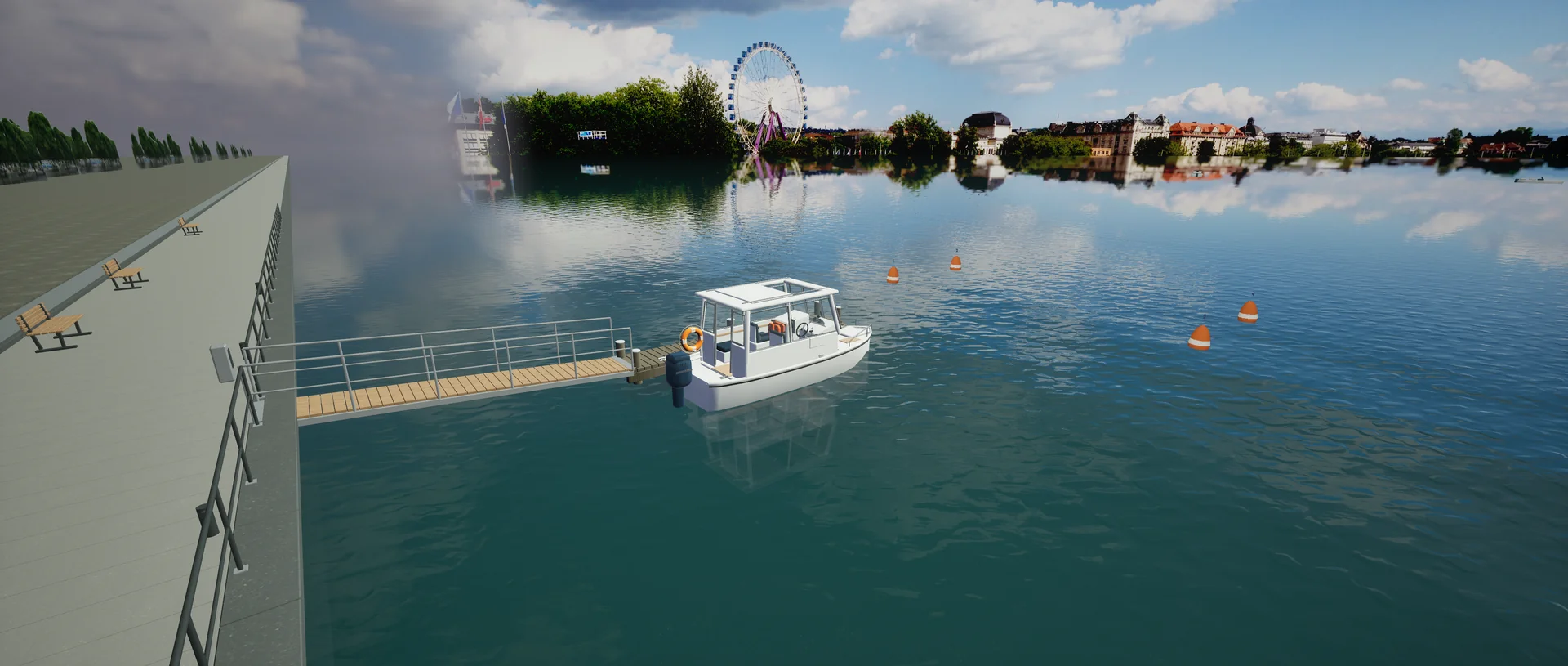
Training boat alongside a dock in the virtual boat-school prototype
Boat-school VR · prototype in development

Interactions designed for your use case

Train for a procedure

Break the task into steps, provide feedback on each action and identify what to revisit in the debrief.

Simulate a situation

Help participants get their bearings before the real activity. They can start again and see the effects of their choices.

Let people try an experience

For a demonstration or event, choose a goal, interactions and a level of guidance that suits your audience.

From prototype to deployment

  1. Define the task and build a prototype

    We agree who will use it, where and what they should do. A playable sequence helps validate the interactions before we develop the rest.

  2. Test with your users

    We test controls, readability and comfort on the agreed equipment. Feedback from the audience and facilitators informs revisions.

  3. Prepare deployment

    We agree on installation, getting users started and maintenance. The quote sets out the deliverables, equipment and tests.

Two prototypes with different interactions

Boat-school VR

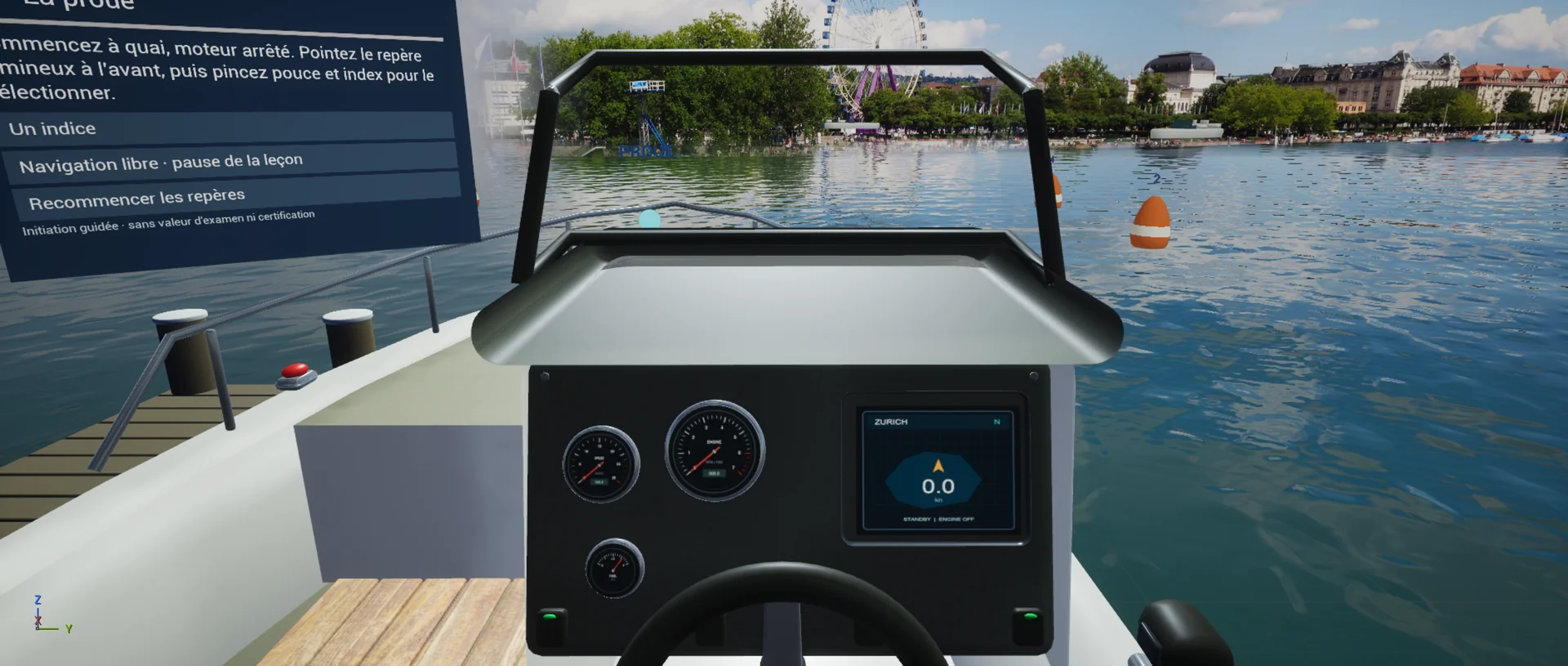
This prototype for Swiss boating schools puts learners at the helm. They can become familiar with controls and reference points before a session on the water, then discuss their observations with an instructor. The exercise prepares learners for practice.

Helm with the wheel and instruments of the virtual training boat
Reference points at the helm

Hop là-haut ! (still in development)

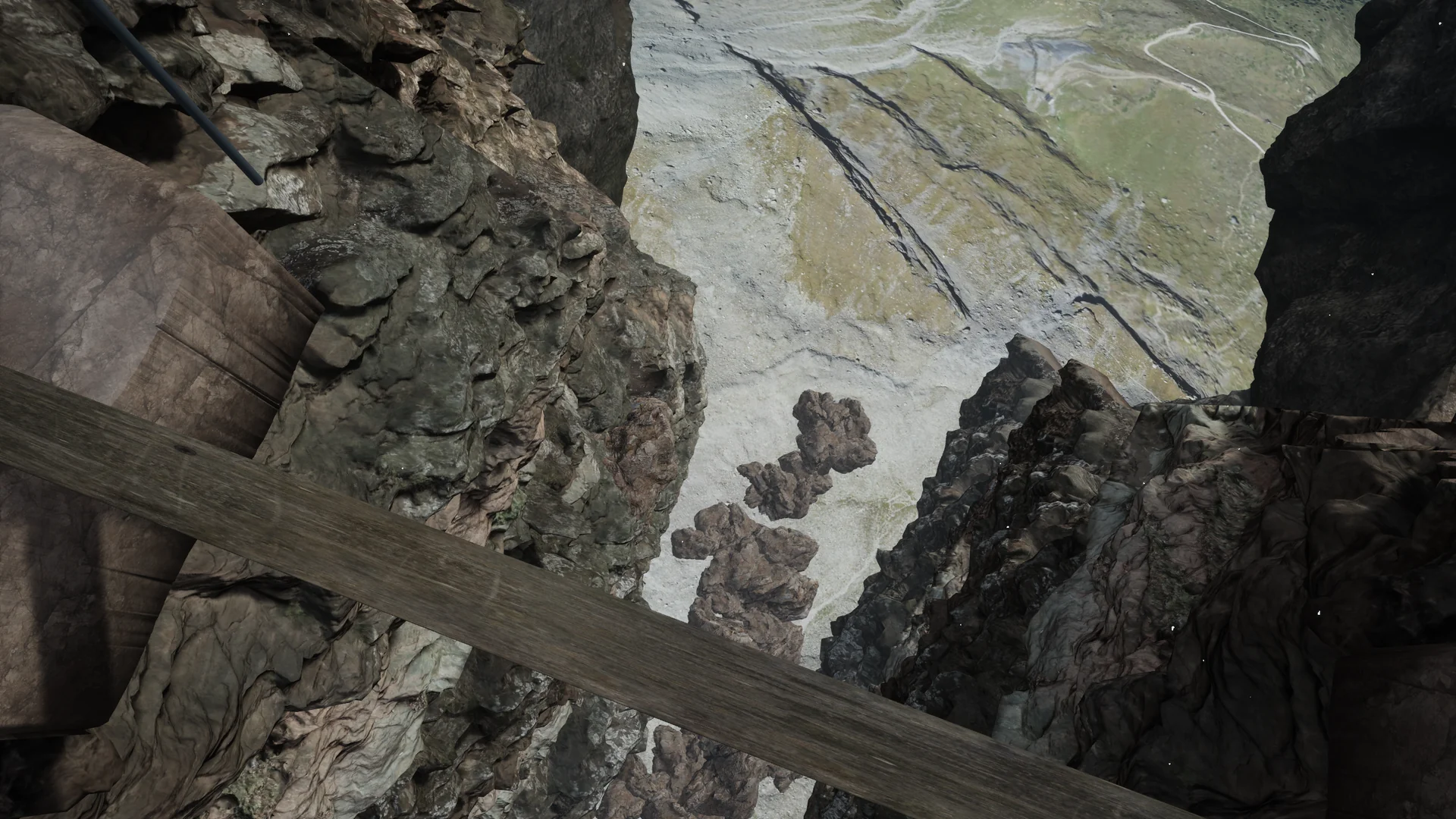
A plank high above the ground facing the Matterhorn is the starting point for this VR prototype. The example shows how setting, orientation cues and progression shape an interaction.

Plank above a rocky ravine in the Hop là-haut ! prototype
View along the plank

See more screenshots from the prototypes

Questions about custom VR applications

How does a VR application differ from a 360° film?

In a 360° film, you choose where to look in a recorded scene. In a VR application, your actions and decisions can change what happens next.

What equipment do you need?

We choose equipment with you based on the venue, audience and interactions. We confirm which devices the project supports before planning installation.

Can you start with a single exercise?

Yes. A prototype can focus on one sequence to test comprehension, controls and comfort before extending the scenario.

How do you check that the exercise is suitable?

We agree observable actions with your team and test the scenario with people from the intended audience. A debrief helps connect the VR exercise to real situations.

What affects the quote?

The number of scenarios, the complexity of the interactions, the environments to build, testing and deployment all affect the scope and schedule.

What would you like people to practise?

Tell us who will use the application, what they need to learn or experience and where they will use it.

Discuss your VR application